
Where it helps
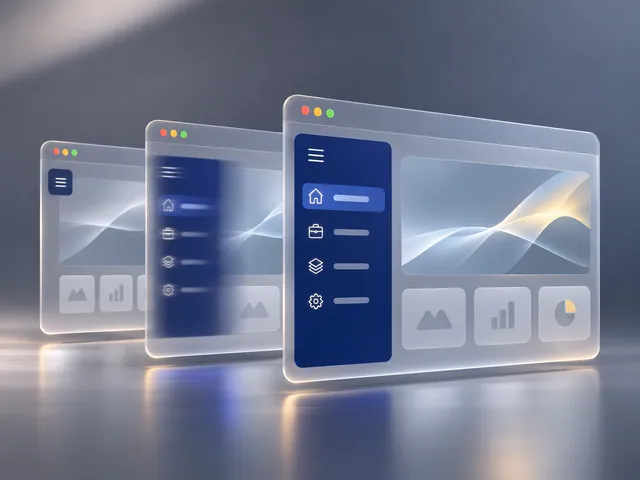
Interface motion can show users that a state changed or clarify where a panel came from. It works best when the product team can identify the exact states and the technical context for playback.
How the work takes shape
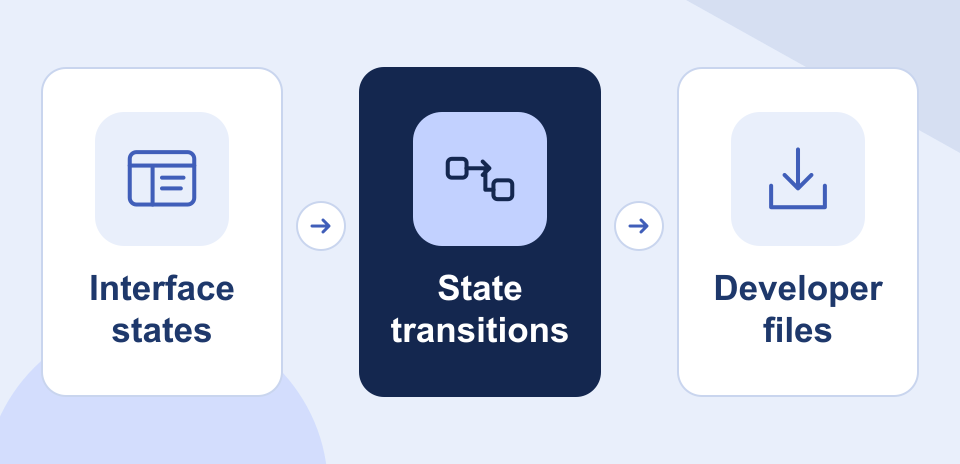
NexSar designs the agreed transitions and prepares implementation-ready files with playback notes. Reduced-motion guidance helps the developer provide a clear alternative where movement is unnecessary.
Example engagement
A product team could use animation to clarify how a filter panel opens and how its contents settle after a user makes a selection.